Separate rule conditions from view filters
Choose source and minimum priority to define the rule. Search or show only matching tickets to inspect the view. A view filter must not change the simulation's matching total or receipt.
Prompt hub
Build a workflow people can inspect before it runs. Start with Operator's interactive escalation rules and review receipts, then try a complete free operations prompt. The examples use fictional data and local actions; no integrations are connected.
A workflow you can inspect
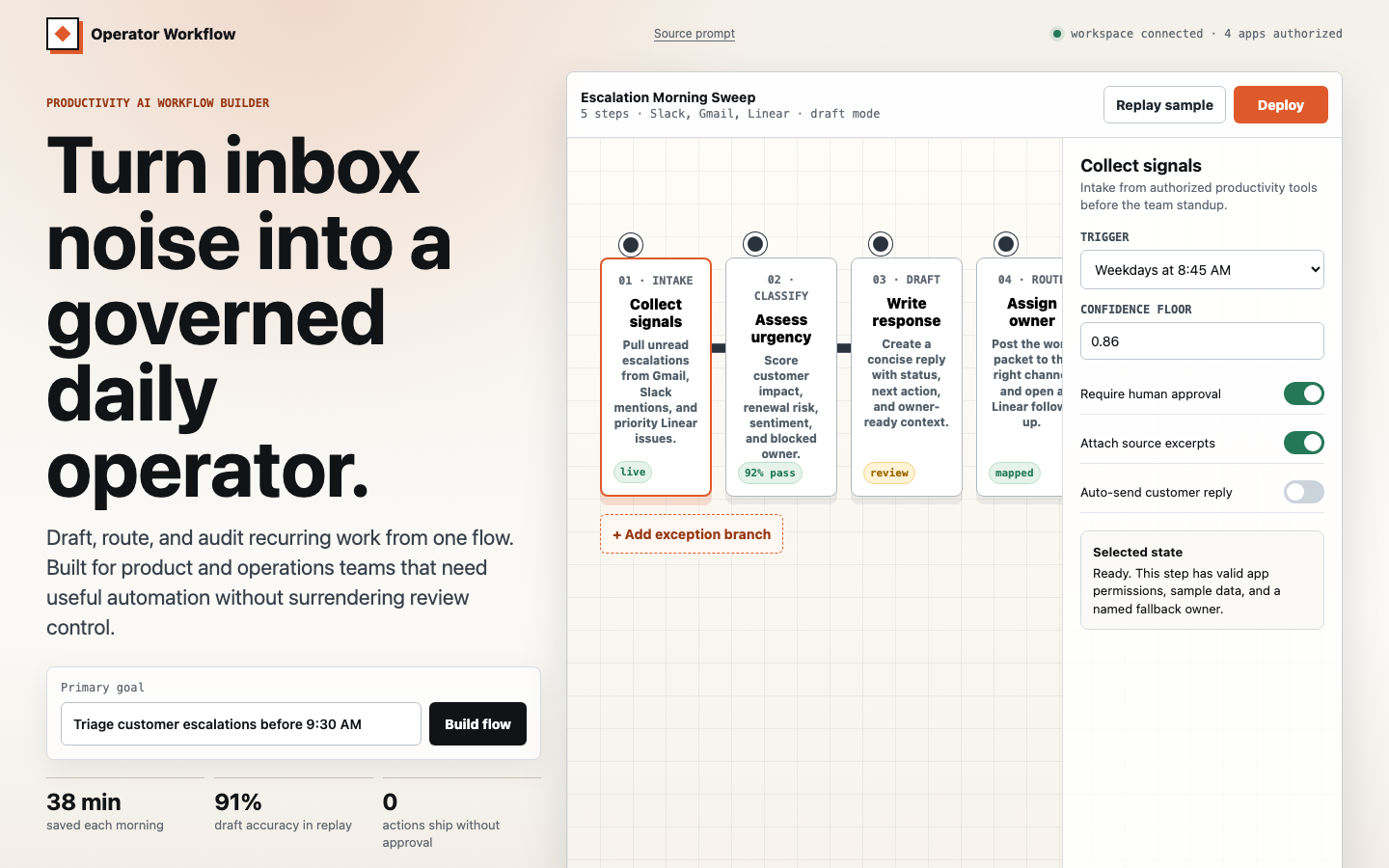
Operator helps a SaaS operations lead define an escalation rule, inspect matching fictional tickets and copy a stable review receipt. Change the source, priority, owner and approval setting to see the plan respond. This is a local simulation; nothing is deployed or sent.
Get the full build specification: six ticket fixtures, rule matching, immutable receipts, validation, cancellation, retry and responsive acceptance checks.
Escalation-rule workbench
Try a full runnable-dashboard prompt with six shipping exceptions, calculated totals, acknowledgment and local recovery drafts. The complete prompt is free to copy.
Free operations workflow sample
Both include Operator and every premium prompt, individual commercial use and library updates. Compare recurring Pro access with a single Lifetime payment.
Full premium prompt bodies
These checks describe the concrete behavior the premium specification asks for. Open the example and inspect the result yourself.
Choose source and minimum priority to define the rule. Search or show only matching tickets to inspect the view. A view filter must not change the simulation's matching total or receipt.
Run the simulation, then edit the rule while it is preparing. The receipt must retain the submitted settings and all six outcomes, with a clear earlier-configuration label when needed.
Try failure, retry and cancellation. Preserve the last completed receipt, prevent delayed results after reset, and show selectable receipt text when clipboard access fails. No tickets are sent or changed.
Compare actual desktop and mobile output, then inspect the complete free operations sample or Operator's premium specification.
Operator’s interactive example is open to inspect. Paid access unlocks its complete prompt: customization inputs, exact fixture data, state behavior, responsive constraints and the acceptance checklist, plus every other premium prompt and individual commercial use.
Pro is USD $1.99 per month, recurring and cancellable, with premium access and updates while subscribed. Lifetime is USD $49.99 paid once for current and future premium prompts, with no recurring billing.
New purchases are paused while payment and paid-access setup is completed. The examples and complete free prompt remain available.
Read the focused prompt guides connected to this hub.
Use Lovable app prompts for AI workflow apps to brief AI workflow apps with concrete layout direction, visual proof, responsive states, and matched UI Prompt Library examples.
Use AI startup landing page prompts for AI workflow builders to brief AI workflow builders with concrete layout direction, visual proof, responsive states, and matched UI Prompt Library examples.
Use admin dashboard prompts for workflow queues to brief workflow queues with concrete layout direction, visual proof, responsive states, and matched UI Prompt Library examples.
Use AI app design prompts for AI workflow apps to brief AI workflow apps with concrete layout direction, visual proof, responsive states, and matched UI Prompt Library examples.
Free prompts can be copied immediately. Premium cards show a public preview and link to access options.