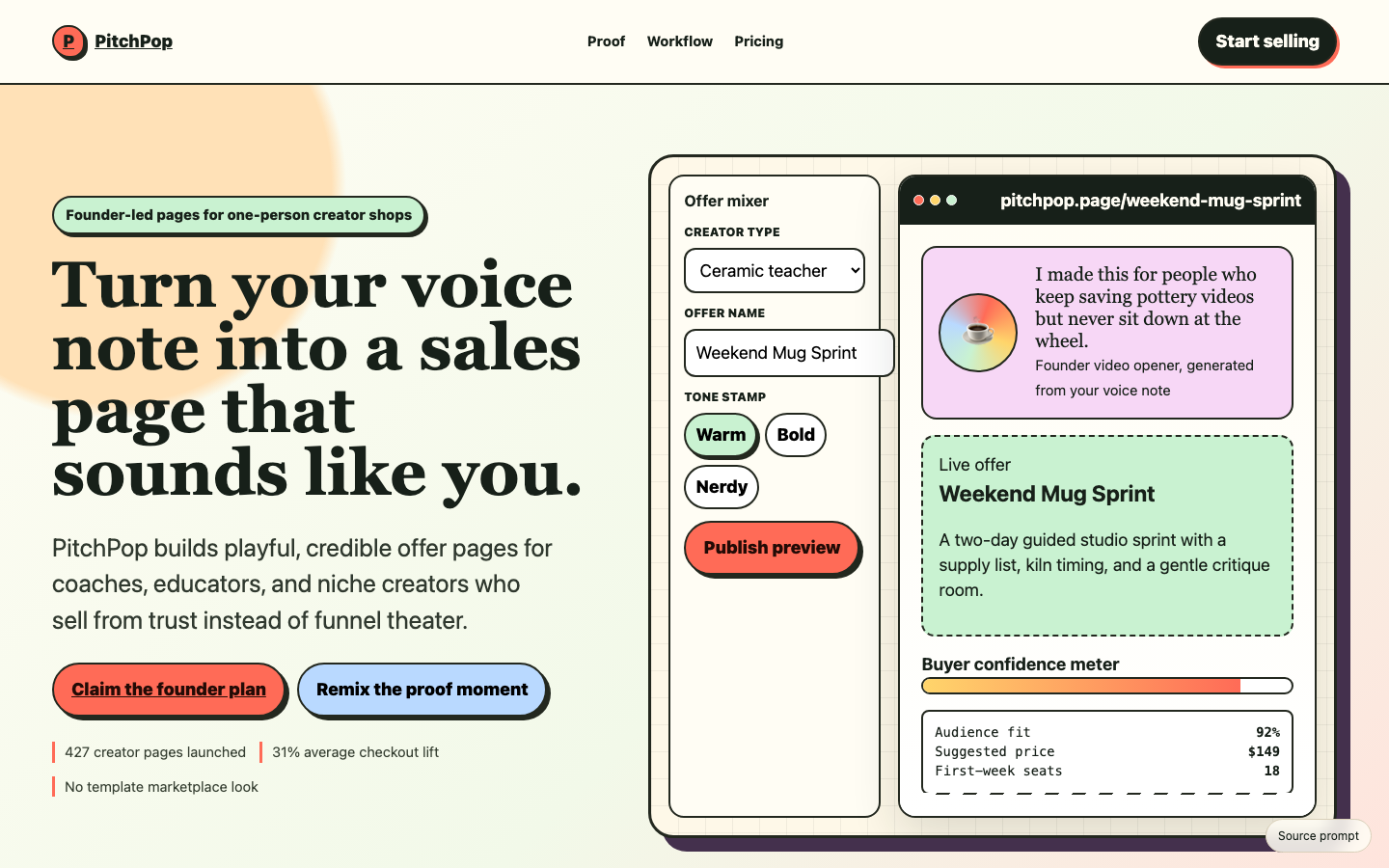
Featured visual prompts
Inspect the design, try its interactions, and choose the prompt you want to build from.
Take a closer look
These examples include a working prototype and captured output, so you can inspect the design before choosing a prompt.
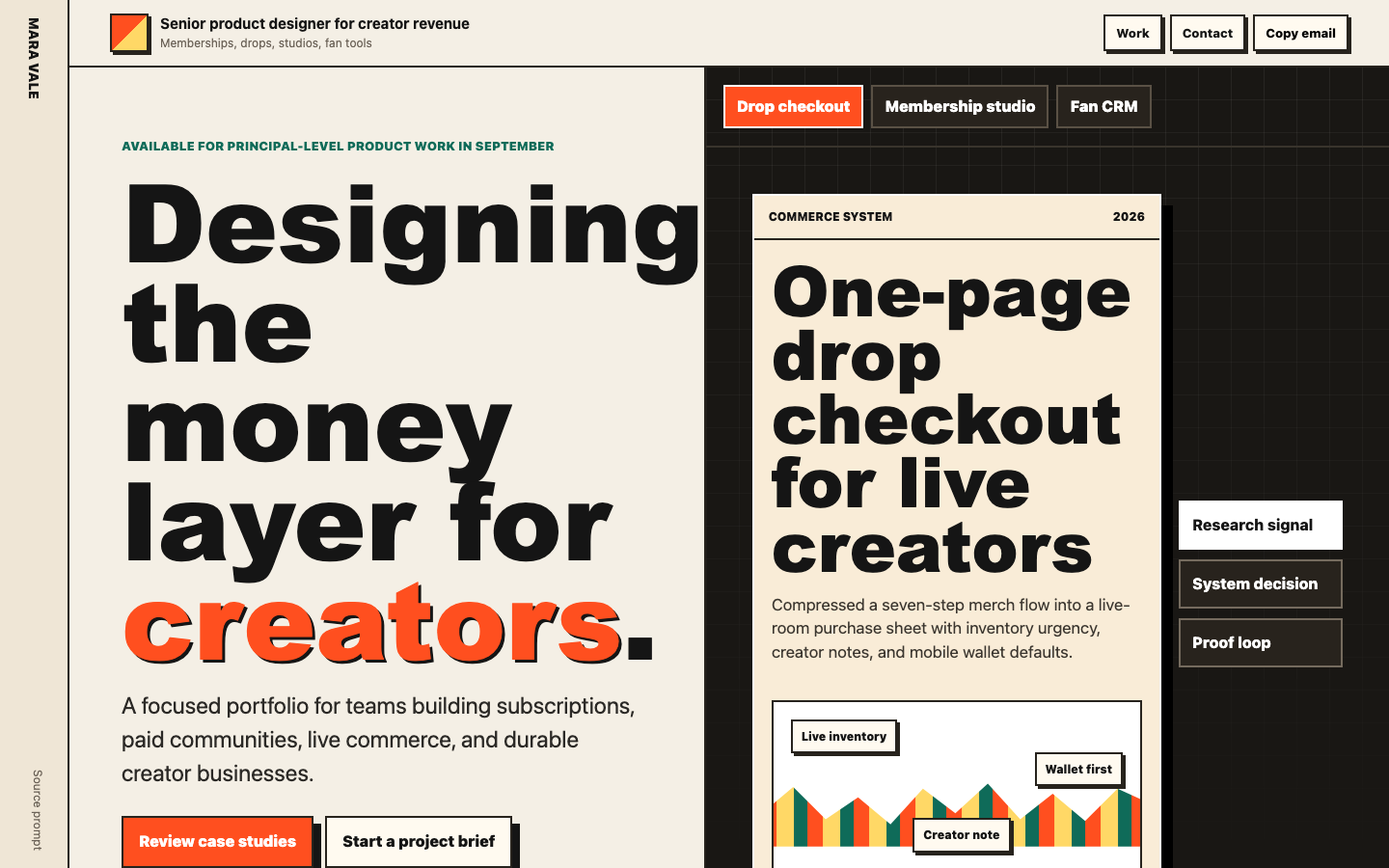
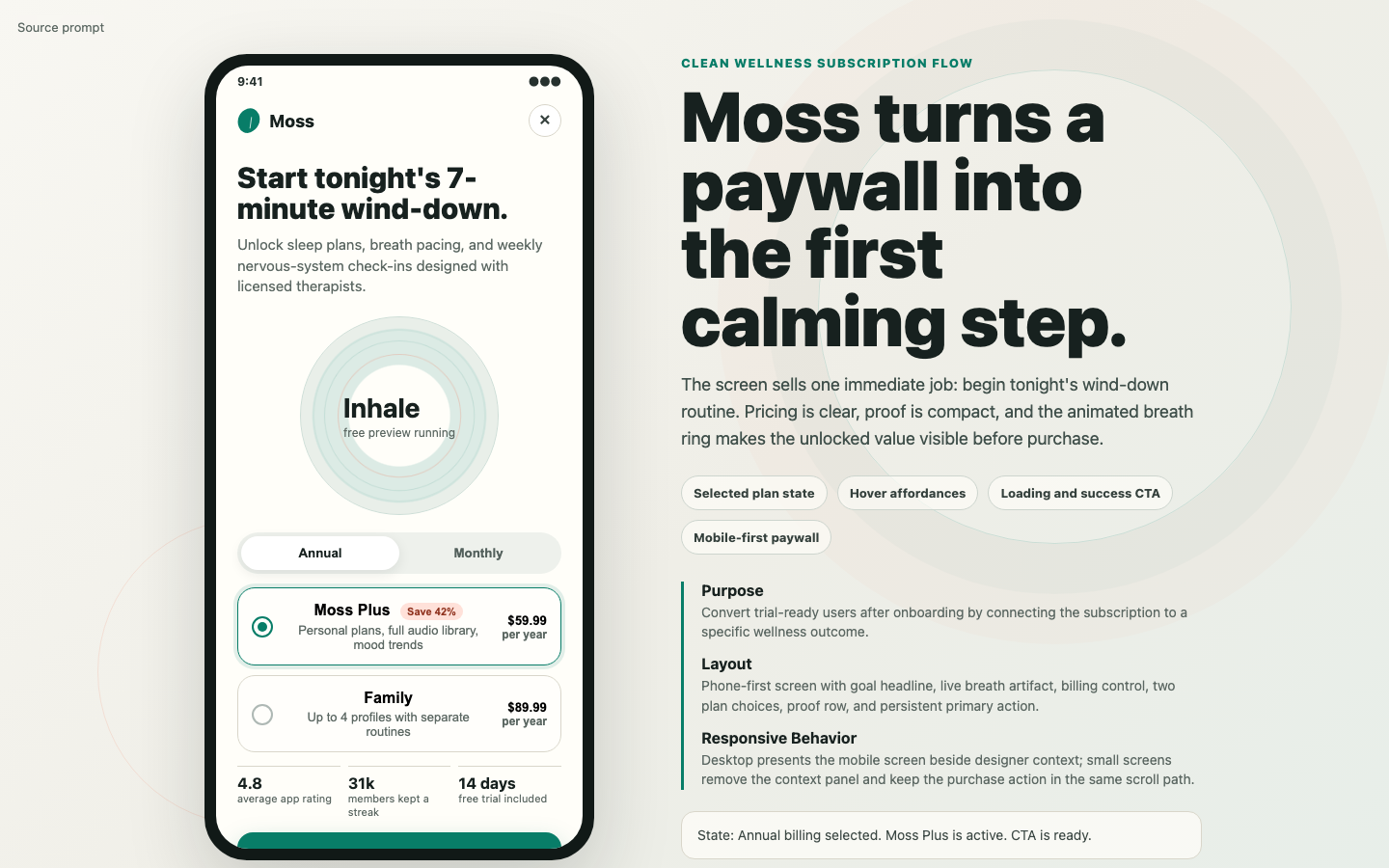
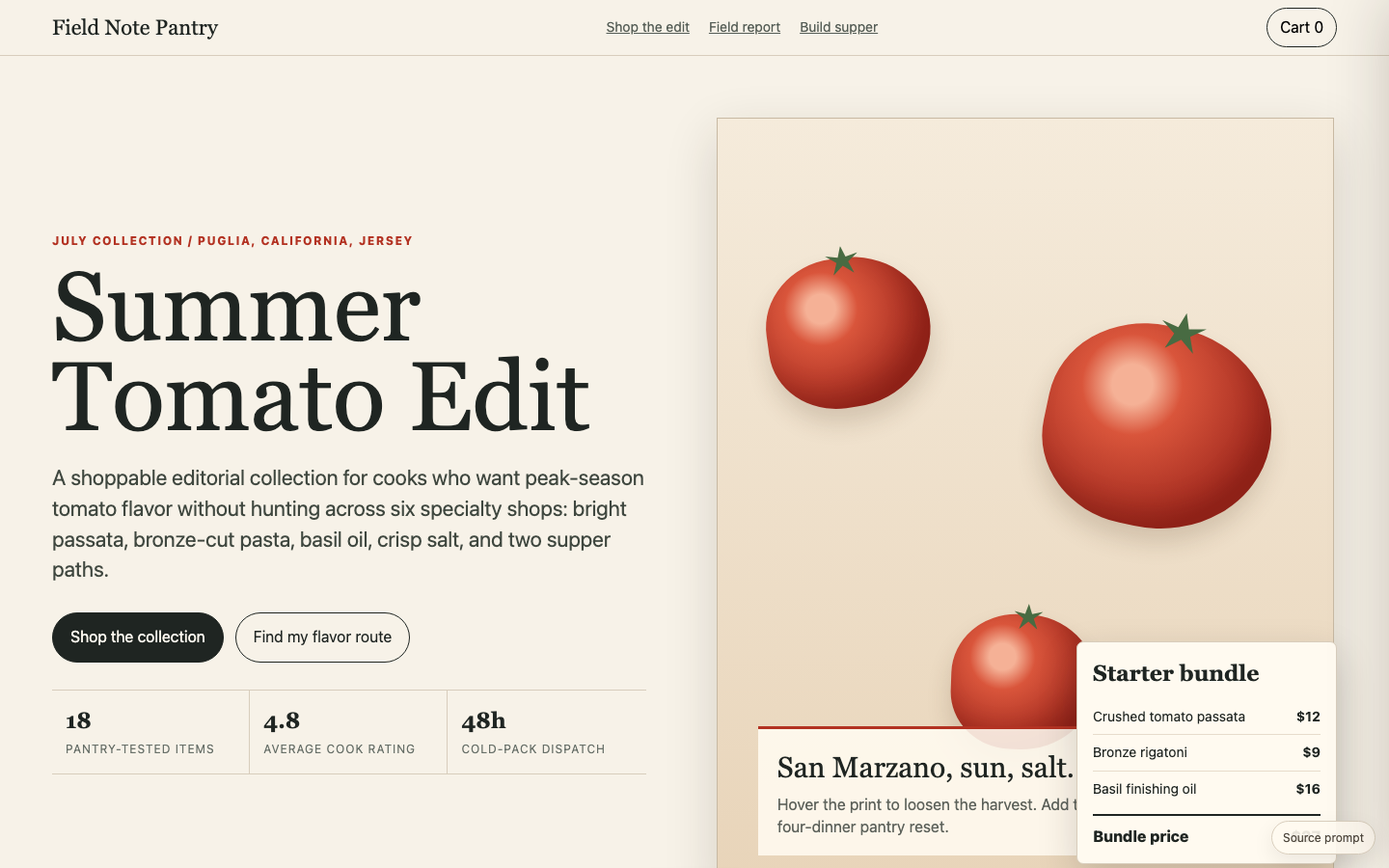
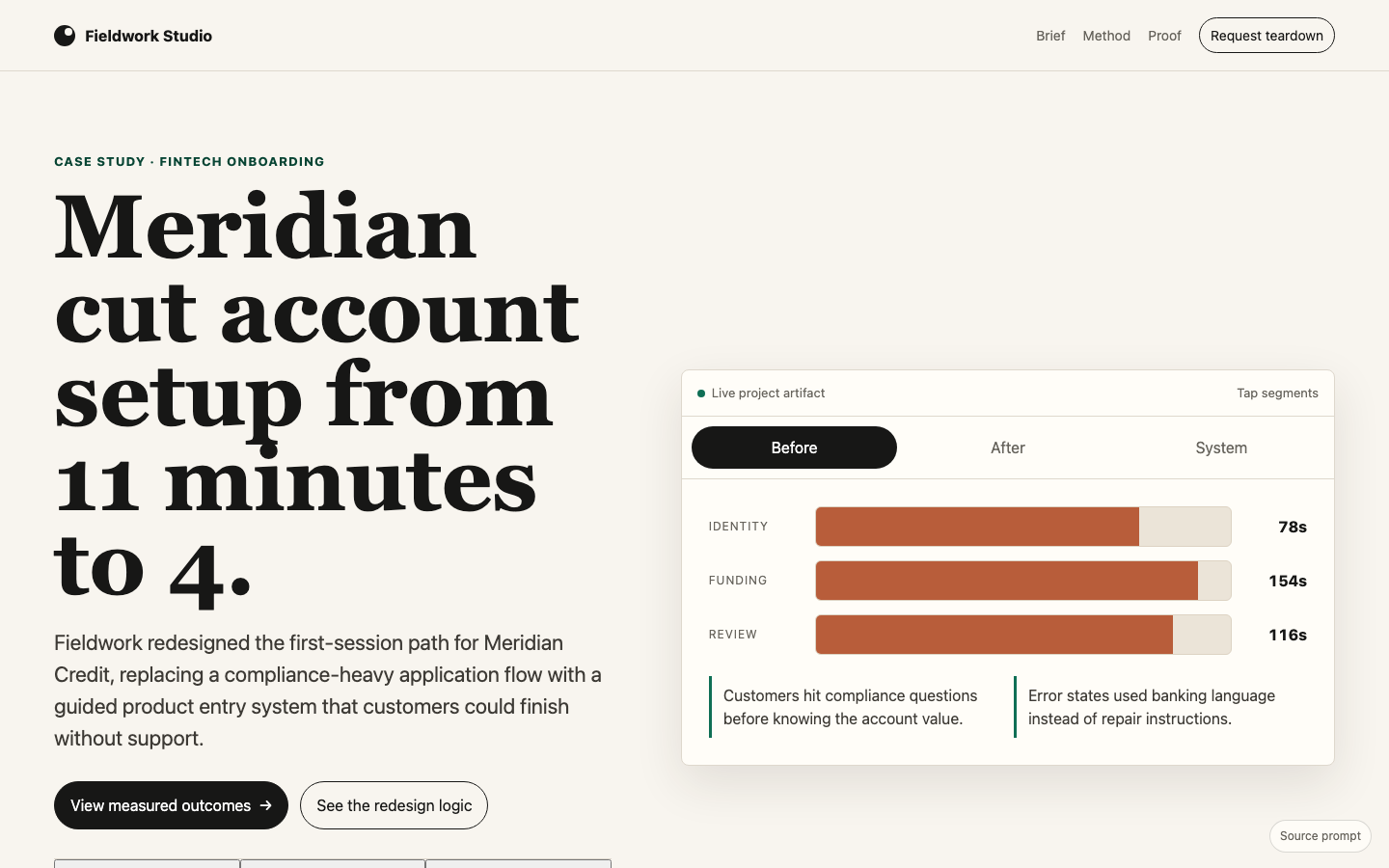
What are you building?
Start with the screen or flow you need. Each collection gives you a more specific brief than “make it look modern.”
Launch a product
Landing pages with a clear offer, product demo, and a useful next step.
Make complex data usable
Dashboards with real decisions, filters, tables, and empty or error states.
Design an app flow
Onboarding, checkout, and account screens with responsive interaction details.
Build a storefront
Product discovery, configuration, and checkout experiences for a specific customer.
Show your work
Portfolios and case studies that explain the decisions behind a project.
Write your own brief
Turn your audience, offer, and preferred direction into a free website prompt.
From example to your first build
Start with a free prompt to check the workflow in your own tool. The preview shows one example output; models and your edits will produce different results.
Try the example
Open a prompt, inspect its desktop and mobile output, then try the interactive preview. Choose a design that fits your actual project.
Make the brief yours
Copy the full prompt into your AI coding tool. Replace the example business, content, and data; keep the layout and interaction requirements you need.
Check the result
Test the main action, a validation error, and a narrow screen. Use the adaptation and follow-up prompts on our featured examples to refine your first build.